Account-Tier Targeting: A Step-by-Step Guide for ABM Popups and Microsites
Short answer: Account-tier targeting means showing different popups and pages to visitors based on the tier of the company they belong to, such as Tier 1 enterprise targets, Tier 2 mid-market accounts, or unidentified traffic. To set it up, define your tiers, match your account list to site visitors, assign a message and microsite to each tier, choose intent triggers, and measure conversations per tier. It lets ABM teams give their best accounts the most relevant experience without changing the site for everyone.
What Account-Tier Targeting Is
Account-based marketing already ranks accounts by value. Account-tier targeting carries that ranking onto your website. A Tier 1 account sees an offer written for named stakeholders. A Tier 2 account sees a segment-level message. Everyone else sees content designed to educate and capture interest.
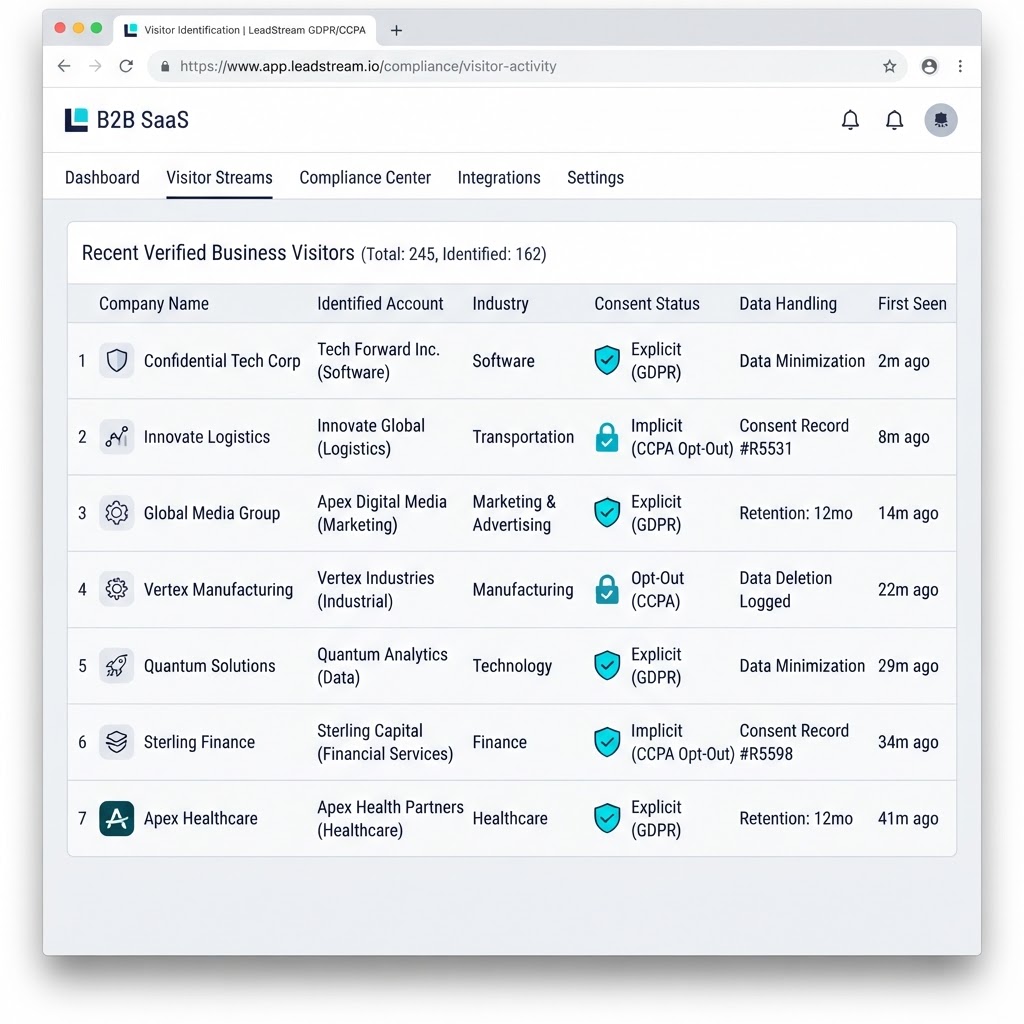
It depends on knowing who is visiting. Upvert uses website de-anonymization, which identifies the company behind a visit through IP-to-company matching and reverse DNS, with person-level identification available through partner Warmly. Identification is probabilistic, so treat it as a strong signal rather than certainty.
Step 1: Define Your Tiers
Keep it simple. Three tiers are enough for most teams:
- Tier 1: Named accounts with active sales focus or open opportunities.
- Tier 2: Accounts that match your ideal customer profile but are not yet in active pursuit.
- Tier 3: Unidentified, small or poor-fit traffic.
Step 2: Connect Your Account List
Export target accounts from HubSpot or Salesforce, with domains as the matching key. Upvert integrates with both CRMs and with Slack, so tier membership and alerts can follow the account through your workflow.
Step 3: Assign a Message and a Destination to Each Tier
For each tier, write one popup and choose one landing destination:
- Tier 1: A direct invitation, such as a tailored walkthrough, linking to an account-specific microsite.
- Tier 2: An industry or role-based offer, such as a benchmark or a short demo, linking to a segment microsite.
- Tier 3: A lightweight content offer, such as a guide or newsletter.
Step 4: Set Intent Triggers
Intent decides when the message appears. Upvert popups can fire on page depth, time on page, scroll percentage and exit intent. A sensible starting point:
- Tier 1: Fire on the second page view or after 20 seconds on a product or pricing page.
- Tier 2: Fire at 50 to 60 percent scroll on a solution page.
- Tier 3: Fire on exit intent only.
These are starting thresholds, not rules. Test on your own traffic. For the mechanics, read how intent-triggered popups fire.
Step 5: Route Signals to Sales
When a Tier 1 account engages, an alert should reach the owner quickly. Send it to Slack or create a task in your CRM. Include the page viewed, the popup shown and whether the visitor clicked through to the microsite.
Step 6: Measure by Tier
- Popup click-through and microsite engagement for each tier.
- Meetings booked per tier, compared with a holdout group.
- Time from first identified visit to first sales touch.
- Pipeline influenced by accounts that saw a tiered experience.
For a framework on ROI measurement, see how to measure website personalization ROI.
Common Mistakes
- Too many tiers. Each tier needs its own content, so start with three.
- Over-personalizing early. Tier 1 pages can be basic at first. Relevance beats polish.
- Ignoring match limits. Not every visit is identifiable, so keep a strong default experience.
- No holdout. Without a control group you cannot prove lift.
Frequently Asked Questions
What is account-tier targeting?
It is the practice of showing different popups and pages to visitors depending on the tier of the account they belong to, such as Tier 1 named accounts or Tier 2 ICP-fit accounts.
Do I need a CRM integration?
It helps. Upvert integrates with HubSpot and Salesforce so you can use your existing account lists and send engagement back to sales.
How accurate is visitor identification?
Accuracy depends on your traffic mix, remote work and VPN use. Company-level matching is often strong for office-based traffic, so test on your own site and keep a default experience for unidentified visitors.
How long does setup take?
Installation takes about five minutes. Plans start at $99/month; see the pricing page.
Want help setting up your tiers? Book a demo or start for free.