How Personalized Microsites Are Built: A Technical Walkthrough of Segment, Account, and Persona-Level Customization
Personalized microsites work by pairing a base page template with dynamic content blocks — headline, hero image, case studies, and CTA — that swap automatically based on rules tied to who the visitor is: their de-anonymized company, industry, traffic source, or CRM segment. The result is a page that looks materially different for a healthcare enterprise visitor than for a mid-market logistics visitor, without a developer building either page by hand.
The Building Blocks of a Personalized Microsite
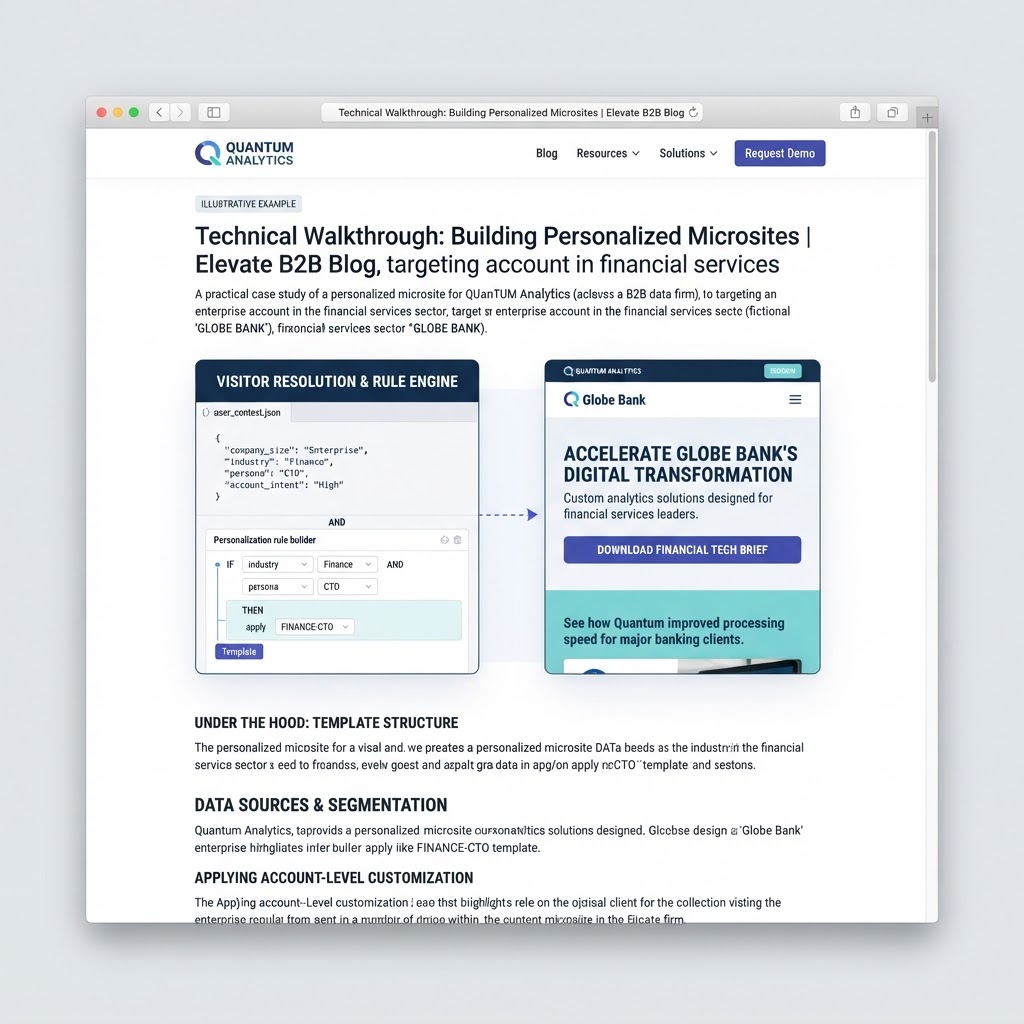
A microsite starts as a template: a defined page structure with sections marked as personalizable — typically a hero headline and subhead, a proof-point or logo strip, a case study or testimonial block, and a primary CTA. Each of these sections can hold multiple content variants. The template itself stays fixed; what changes per visitor is which variant of each section gets rendered.
On top of the template sits a rules layer. A rule might say: "if visitor's identified industry is healthcare, show the healthcare hero and healthcare case study block," or "if visitor arrived from the Google Ads campaign targeting 'logistics software,' show the logistics headline and ROI stat." Rules can be layered — company-level identification takes priority, industry-level rules apply as a fallback, and a generic default variant catches everyone who doesn't match a specific rule.
What Data Feeds the Personalization Rules
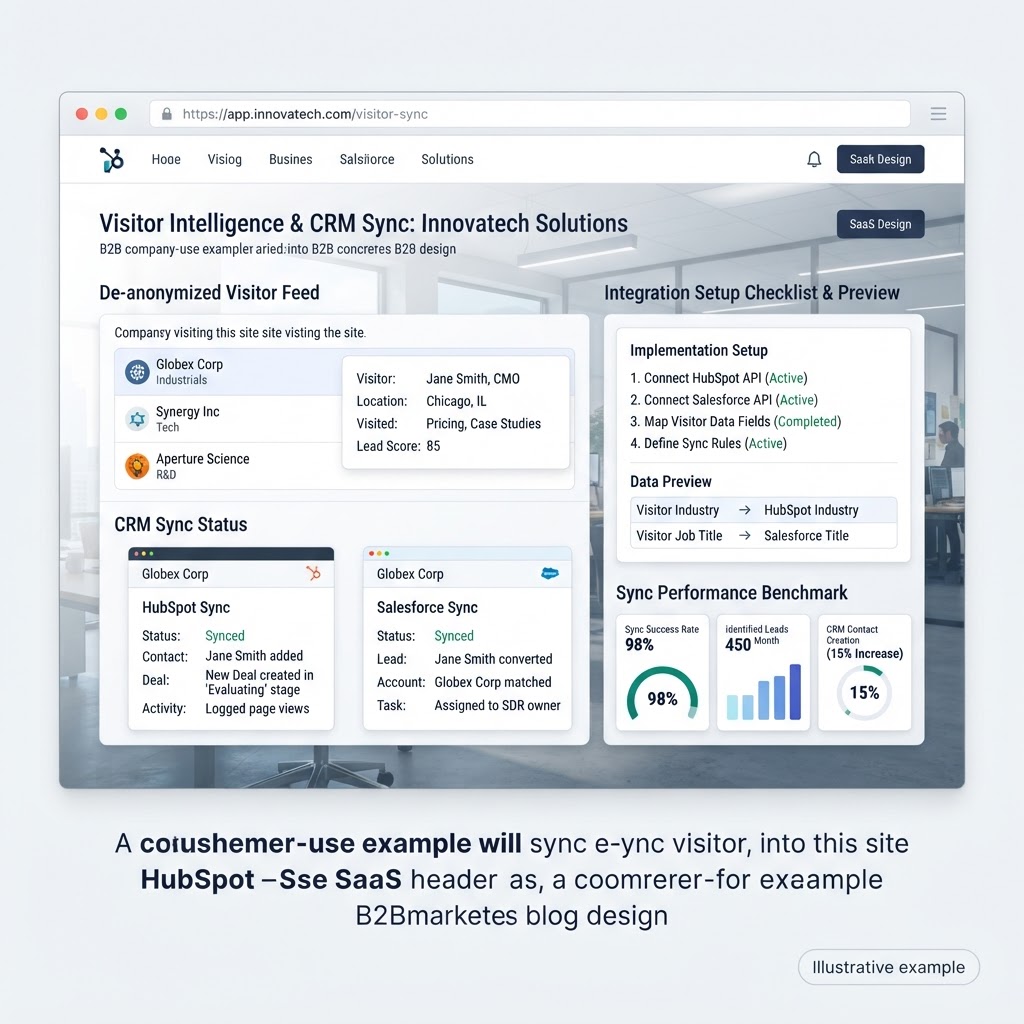
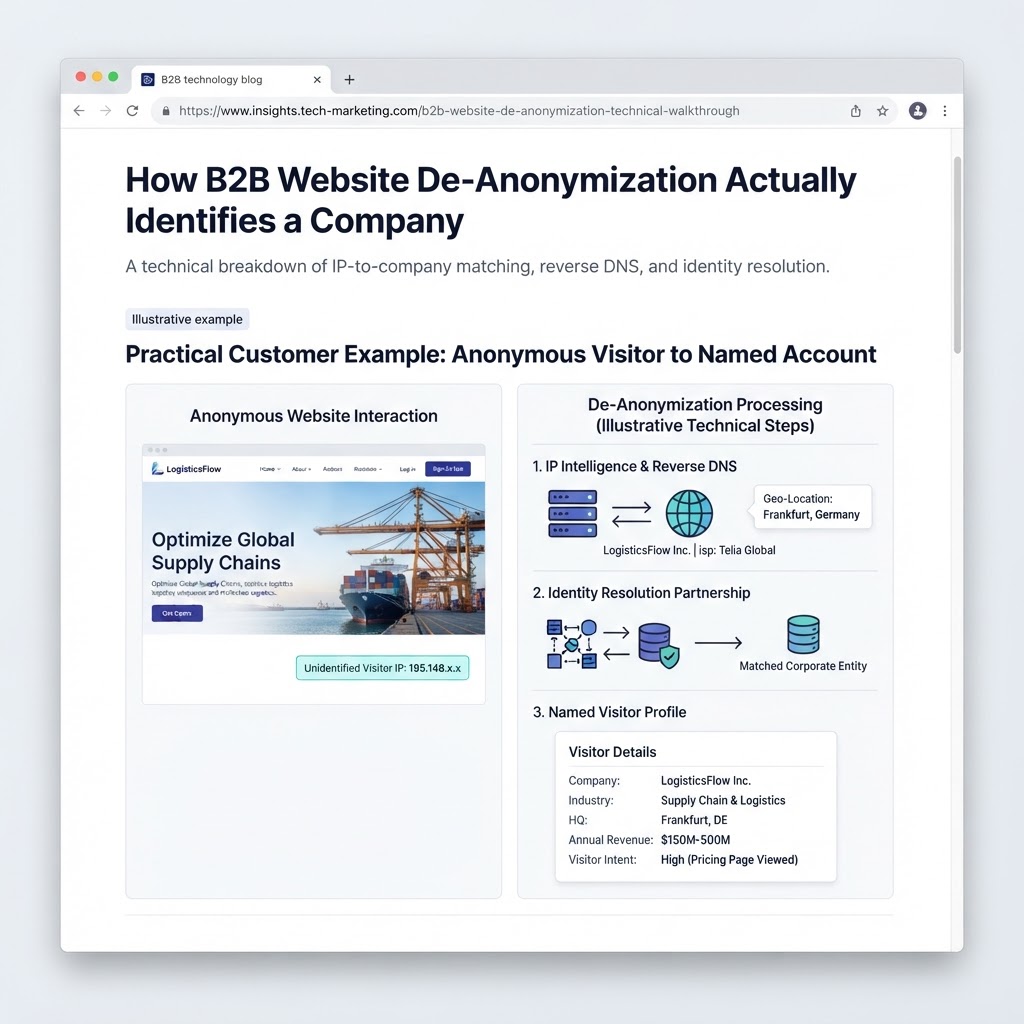
Three data sources typically drive microsite personalization. First, website de-anonymization identifies the visiting company in real time via IP-to-firmographic matching, surfacing industry, employee count, and company name. Second, traffic source data captures which campaign, ad, or referral link brought the visitor in, letting a microsite match messaging to whatever the visitor already clicked on. Third, CRM data — when a visitor matches an existing contact or account record — can pull in deal stage, account tier, or even the assigned account executive's name and photo for a more direct, sales-aligned experience.
From Segment Rules to Named-Account Pages
Most teams start with segment-level personalization: industry, company size band, or traffic source, covering broad groups of visitors with a handful of content variants. As a program matures, teams typically add named-account pages for their highest-value target accounts — a microsite built specifically for one company, referencing that company by name, industry peers, and a case study from a comparable customer. Named-account microsites are commonly used in ABM motions and paired with outbound sequences or paid ads pointed at a unique URL built just for that account.
Measuring What's Working
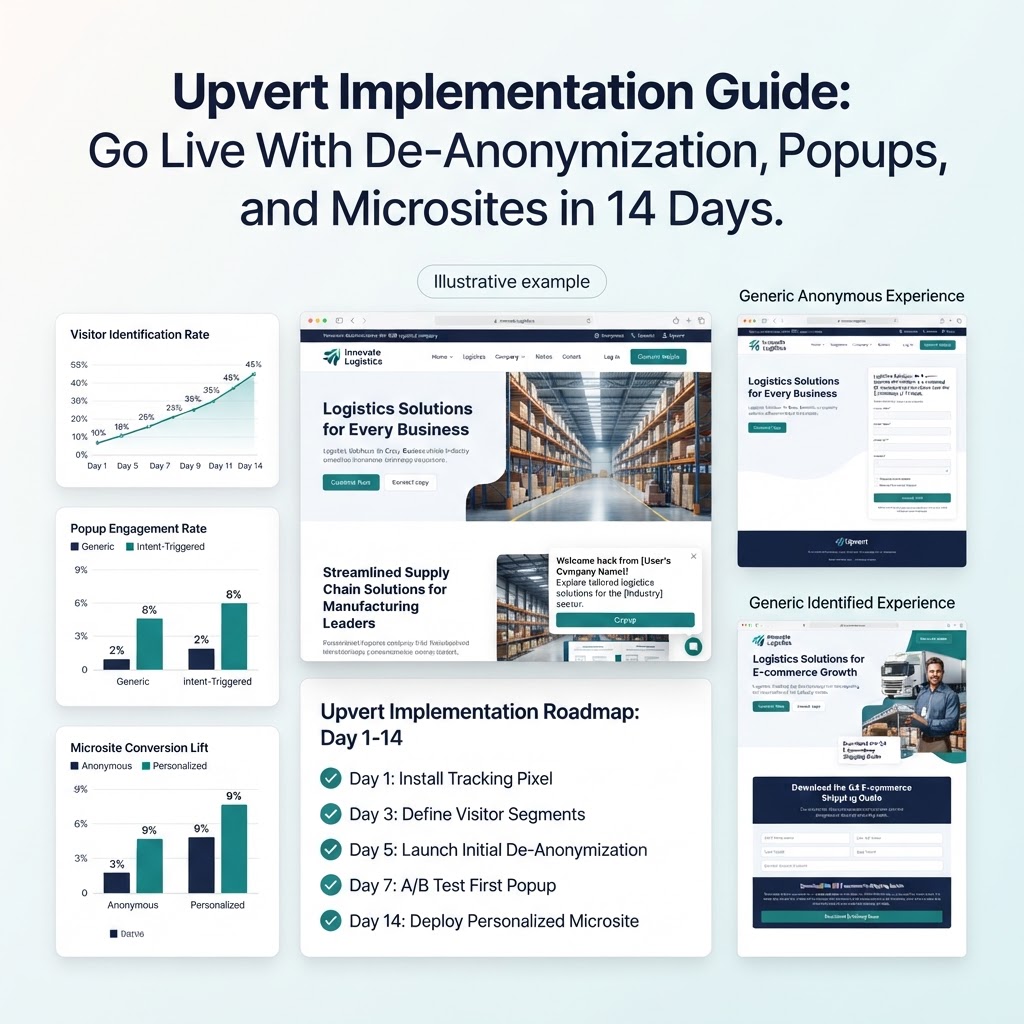
Because each variant renders as a distinct page experience, conversion and engagement can be tracked per segment or per account rather than only at the aggregate site level. That visibility is what lets teams iterate — if the healthcare variant converts well but the financial services variant lags, that's a signal to revisit which case study or proof point is being shown, not just to run a site-wide test. Across Upvert's customer base, personalized pages built this way convert up to 80% higher than static, one-size-fits-all pages.
See this in practice in microsites vs. landing pages: why personalized microsites convert 2-3x more for B2B, or start building your own at Upvert's personalized microsites.
Frequently Asked Questions
How are personalized microsites technically built?
Personalized microsites are built from a base template with dynamic content blocks — headline, hero image, case studies, CTAs — that are populated automatically based on rules tied to the visitor's identified company, industry, traffic source, or CRM segment, without requiring a developer to build a new page per account.
What data determines which version of a microsite a visitor sees?
Common inputs include the visitor's de-anonymized company and industry, the ad campaign or referral source that brought them to the site, firmographic data like employee count, and any matching CRM record such as deal stage or account tier.
Do personalized microsites require a developer to set up?
No. Upvert's microsites are configured through a no-code interface where marketing teams define personalization rules and content variants directly, with new account-specific pages generated automatically as rules match.
How is a personalized microsite different from dynamic text replacement?
Dynamic text replacement typically swaps only a headline or a single variable. A personalized microsite can swap entire sections — hero imagery, case study blocks, testimonials, and CTAs — based on multiple layered rules, producing a materially different page experience per segment.
Can microsite performance be measured per account or segment?
Yes. Each microsite variant reports engagement and conversion data separately, so teams can see which segments, industries, or named accounts are converting best and adjust personalization rules accordingly.
Ready to build your first segment- or account-level microsite? Book a demo or start a 14-day free trial of Upvert.