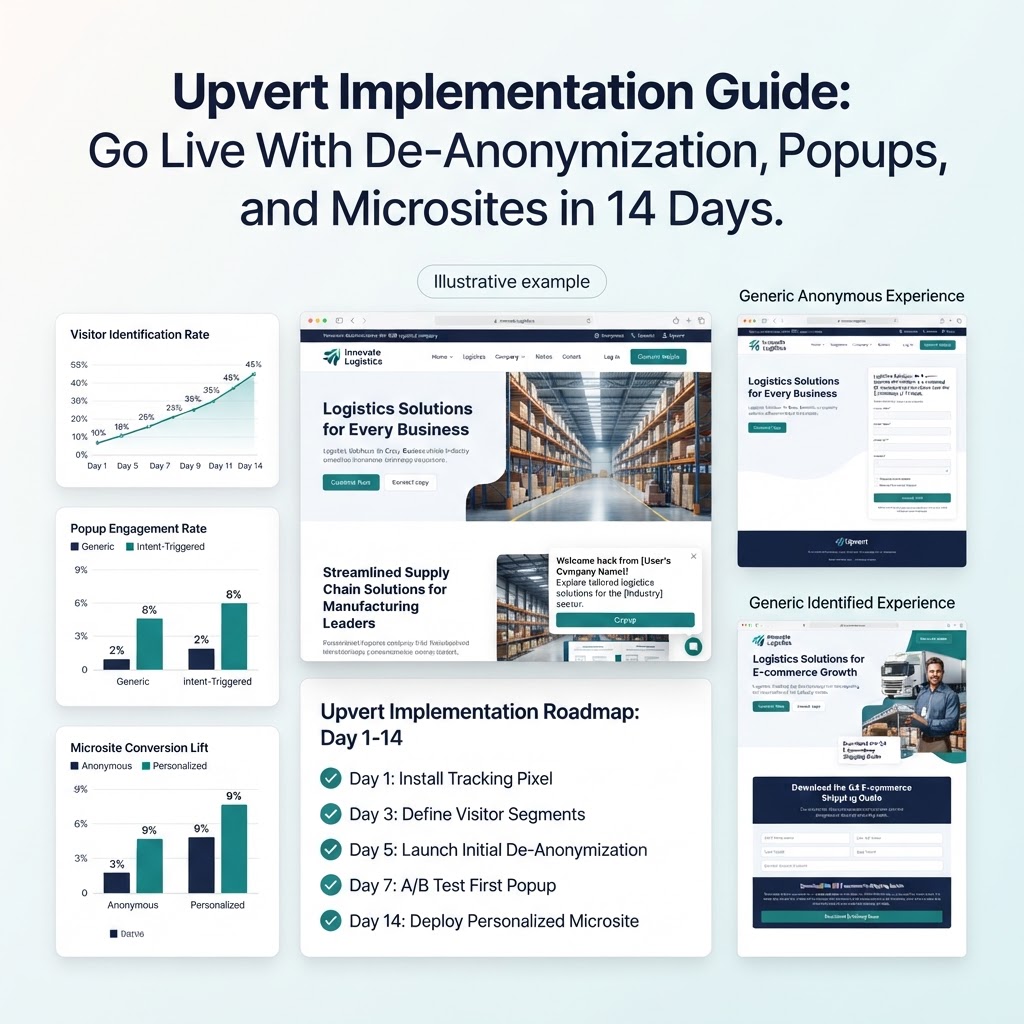
Upvert Implementation Guide: Go Live With De-Anonymization, Popups, and Microsites in 14 Days
Short answer: Most teams can launch Upvert in under two weeks. The script installs in about five minutes with no developer, and the remaining time goes to connecting your CRM and Slack, defining segments, launching a first pair of intent-triggered popups, and publishing a personalized microsite. By day 14 you should have baseline data and your first measurable lift.
Before You Start
Gather three things: access to your website tag manager or CMS, admin access to HubSpot or Salesforce if you plan to sync, and a short list of your top target accounts or segments. Clarity on the one conversion you want most, such as demo requests, trial signups, or quote requests, will shape every later decision.
Days 1–2: Install and Baseline
Add the Upvert script to your site through your CMS or tag manager. Installation takes about five minutes. Then record your baseline: conversion rate on pricing, demo, and top content pages, plus current form fill volume. Without a baseline you cannot prove lift later.
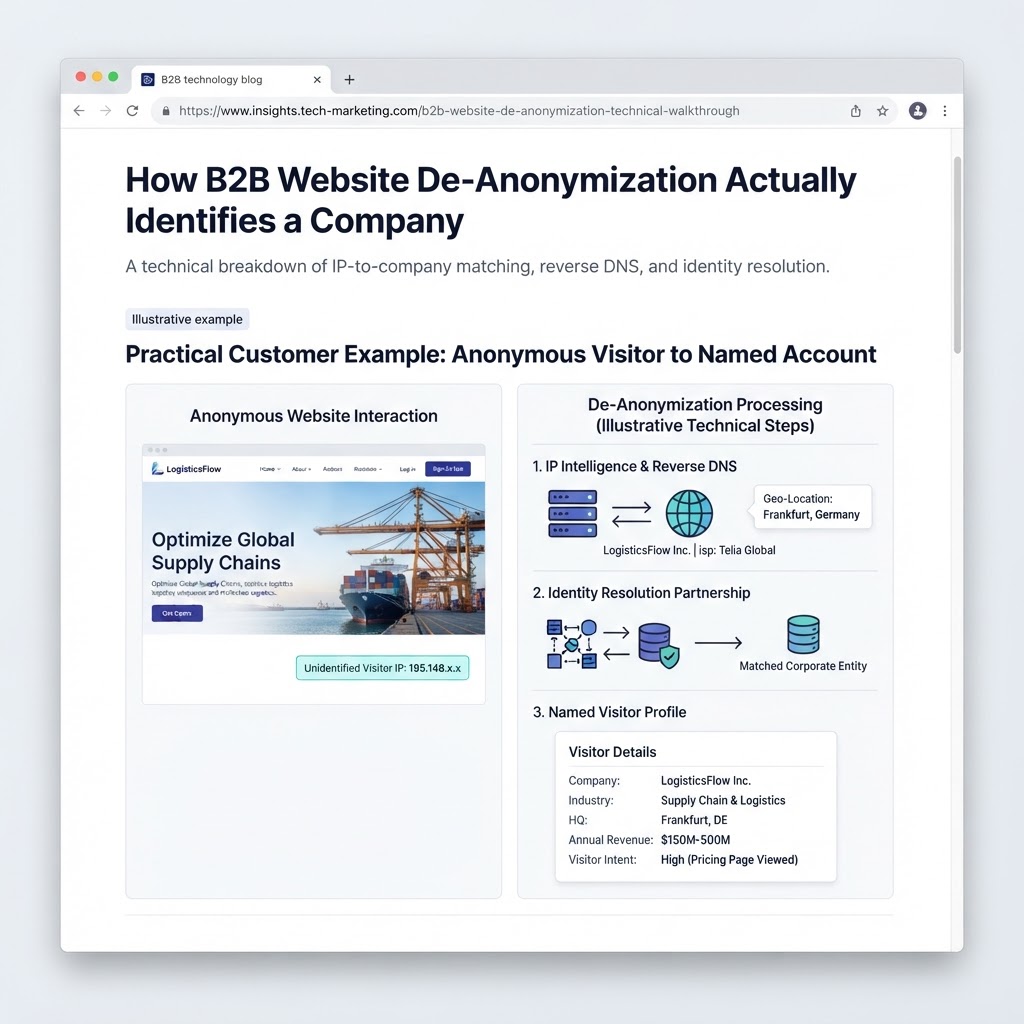
Within hours, website de-anonymization begins matching visits to companies using IP-to-company matching and reverse DNS, with person-level identification through the Warmly partnership. Every match carries a confidence score, so you can decide how strict to be before acting on it.
Days 3–4: Connect Your Stack
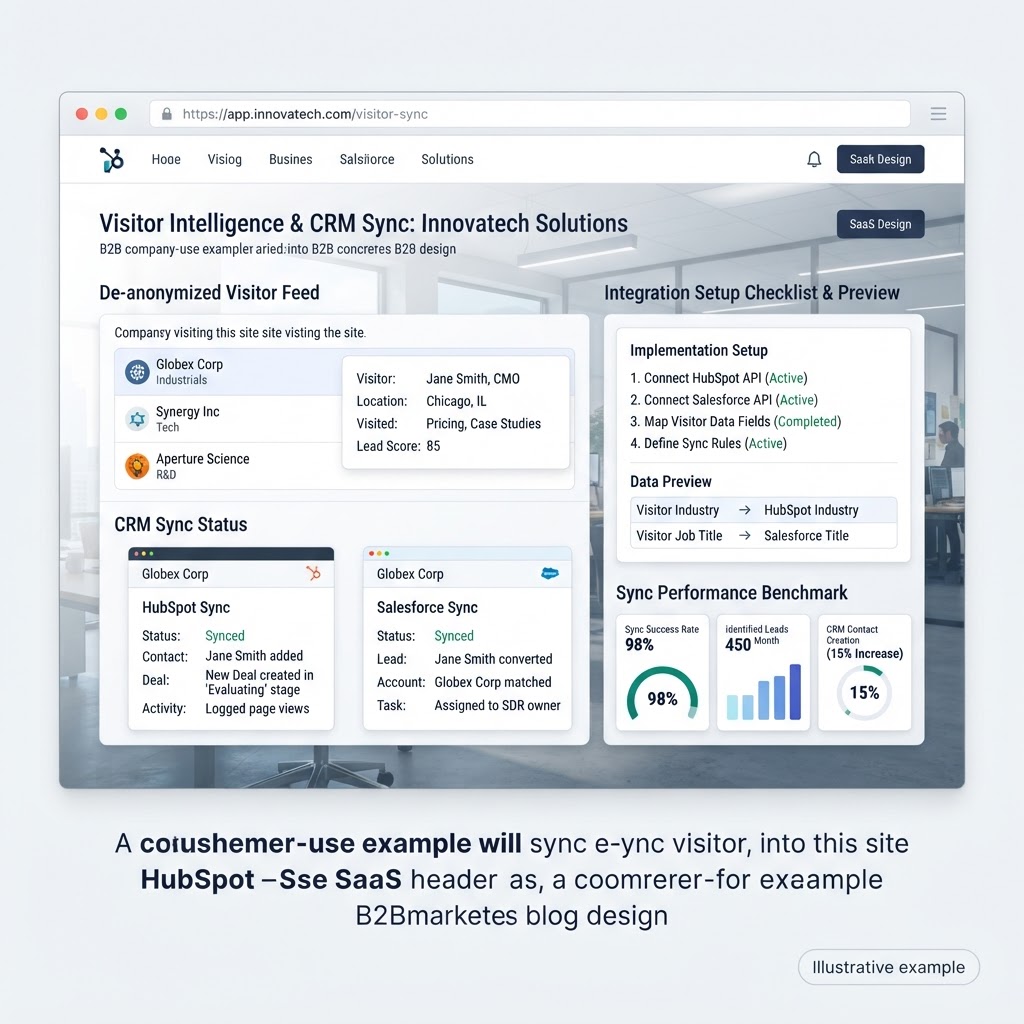
- CRM: connect HubSpot or Salesforce so identified accounts map to existing records.
- Slack alerts: route visits from target accounts or high-tier accounts to a sales channel.
- Ownership: decide who follows up on alerts and within what time window.
Days 5–6: Define Segments
Create two or three segments using firmographics and behavior: for example, target accounts, mid-market SaaS, and existing customers. Segments drive popup targeting and microsite content, so keep them simple at first.
Days 7–9: Launch Your First Popups
Start with two Smart Popups rather than ten:
- Pricing-page intent: trigger after meaningful time-on-page or a second page view, offering a demo or a short ROI worksheet.
- Exit intent on high-value pages: offer a resource or meeting link to visitors about to leave.
Use account-tier targeting so key accounts see a more direct offer than anonymous traffic, and apply frequency caps so visitors are not interrupted repeatedly.
Days 10–12: Publish a Personalized Microsite
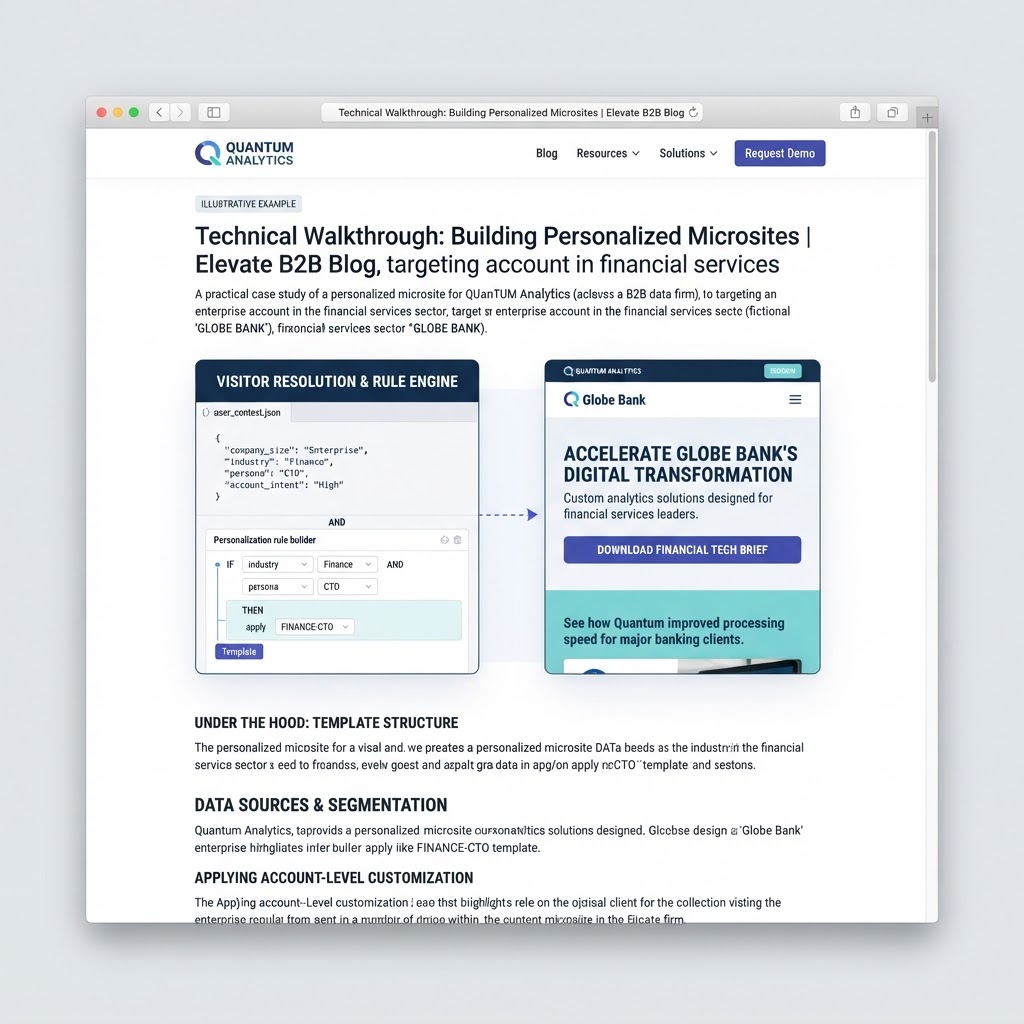
Build one microsite for your highest-value segment with a tailored headline, proof points relevant to that segment, and a single call to action. Share it in outbound sequences and ads, and also route identified visitors from that segment to it.
Days 13–14: Review and Iterate
Compare conversion on the same pages against your day-1 baseline, review which alerts turned into meetings, and tune triggers. Upvert-reported results show de-anonymization-powered popups lifting B2B conversion roughly 15–22%; treat that as a reference point, not a promise, since results vary by traffic and offer.
Common Mistakes to Avoid
- Launching too many popups at once, which makes results impossible to attribute.
- Alerting sales on every identified visit instead of high-fit accounts.
- Skipping the baseline measurement.
Plans start at $99/month.
Frequently Asked Questions
How long does Upvert take to set up?
The script installs in about five minutes with no developer. Most teams complete CRM connection, segments, and first popups within one to two weeks.
Do I need a developer?
No. Installation uses a snippet added through your CMS or tag manager, and popups and microsites are configured in the Upvert app.
Which CRMs does Upvert work with?
Upvert integrates with CRMs including HubSpot and Salesforce, plus Slack for real-time alerts and Warmly for identity resolution.
How many popups should I launch first?
Start with two: one for pricing-page intent and one for exit intent. That keeps results easy to measure.
When will I see results?
Identification starts within hours of install. Conversion changes usually become measurable within the first two to four weeks, depending on traffic volume.
Want help planning your launch? Book a demo or start for free.