Personalized Microsites for IT Services and MSPs: Turning Anonymous Visits Into Qualified Conversations
Short answer: Managed service providers sell the same core services to buyers with very different worries: a clinic cares about HIPAA, a manufacturer about plant uptime, a law firm about confidentiality. A personalized microsite shows each segment a page built around its own concerns, which is far more persuasive than a single generic services page. Upvert generates microsites per segment or account and pairs them with visitor identification.
The MSP Website Problem
Most MSP sites list services (help desk, cybersecurity, cloud, backup) and add a contact form. That works for a buyer who already knows what they want. It fails the much larger group that arrives with a business problem in their own industry's language and cannot tell whether you understand it. Related ideas appear in our posts on microsites for professional services firms and healthcare and health-tech companies.
What Is a Personalized Microsite?
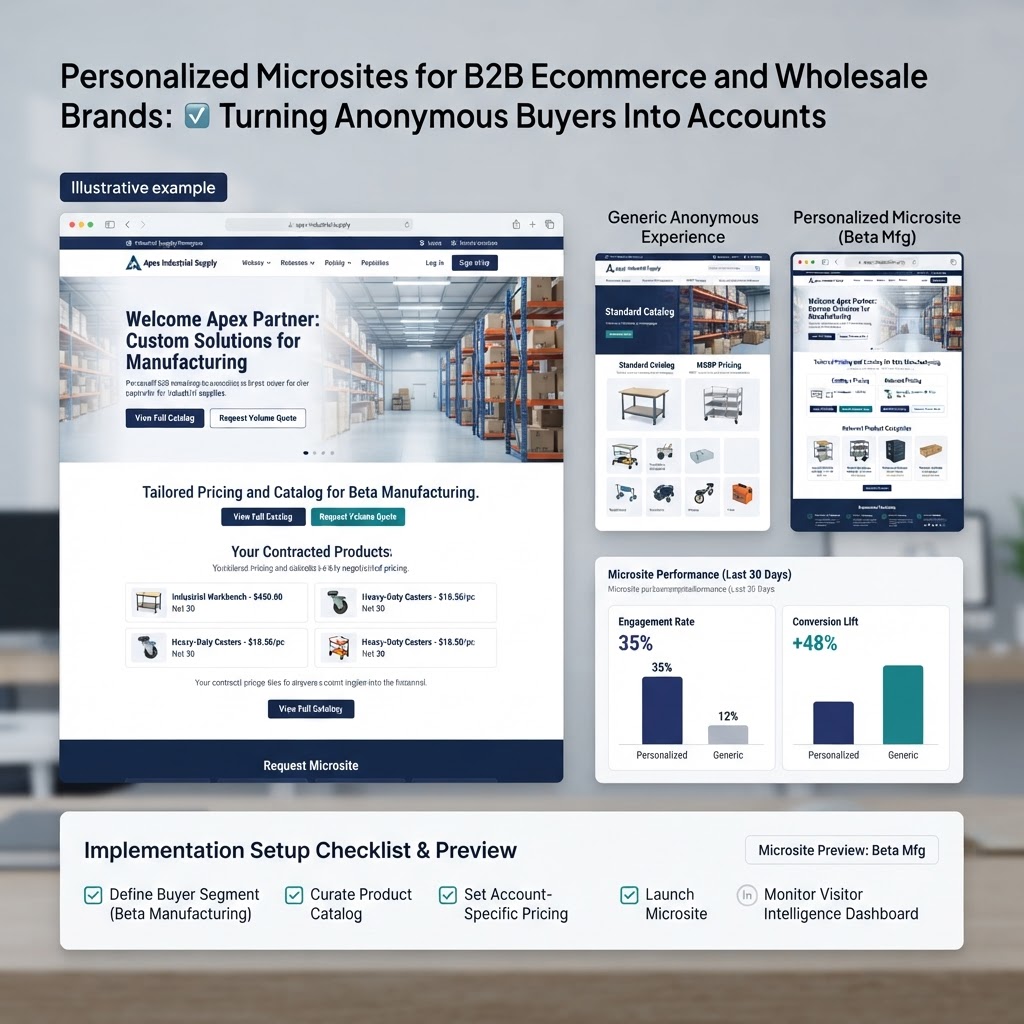
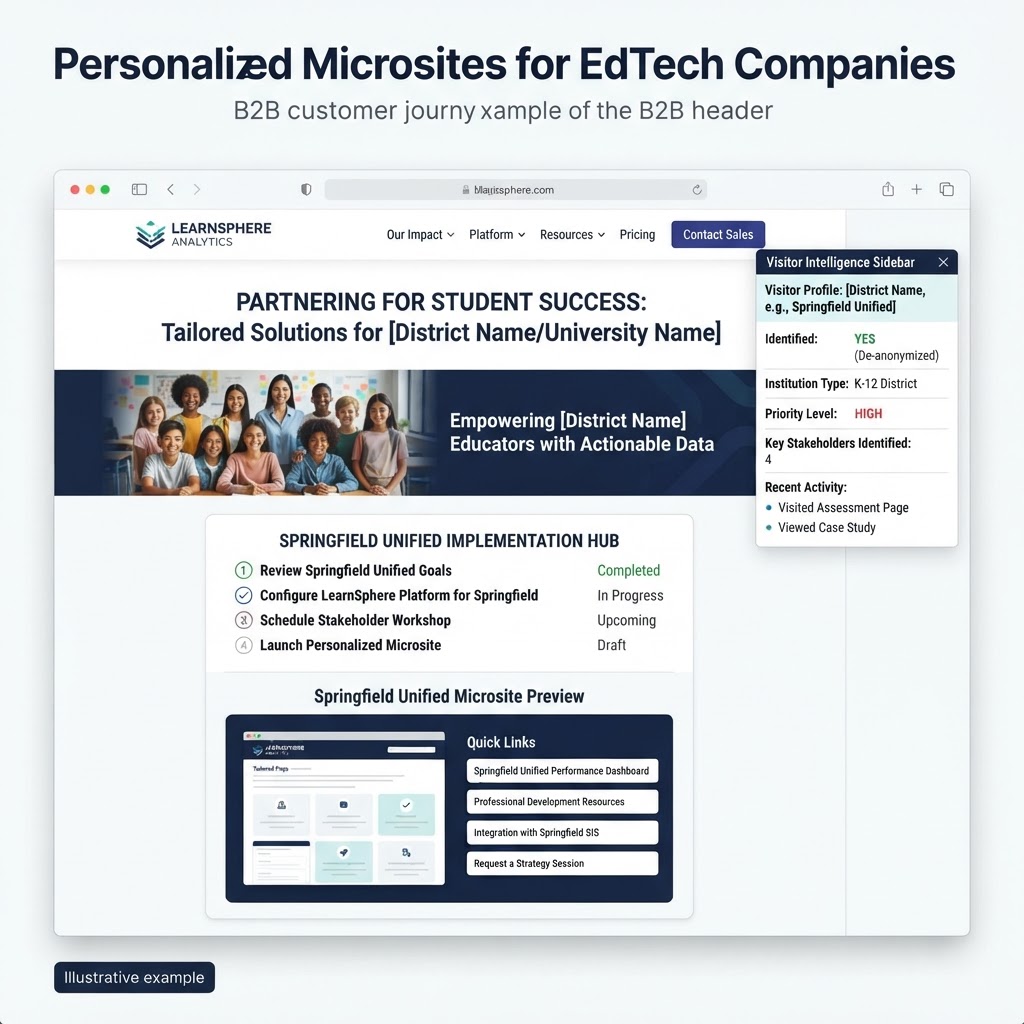
A personalized microsite is a dedicated page, or small set of pages, whose headline, proof points, and call to action adapt to a segment or a named account. You link to it from ads, outbound email, partner referrals, and popups instead of sending everyone to the homepage. For a technical walkthrough, see how personalized microsites are built.
Four Ways MSPs Can Segment
1. By industry
Healthcare, financial services, legal, manufacturing, and nonprofits each have different risk profiles. Lead with their systems, their regulators, and their downtime costs.
2. By compliance framework
Pages for HIPAA, SOC 2, PCI, or CMMC readiness speak directly to buyers who are under audit pressure, which is often when budgets unlock.
3. By company size
A 40-person firm wants simplicity and a predictable monthly price. A 500-person company wants co-managed IT and security depth. Different pages, different calls to action.
4. By service line
Visitors researching cybersecurity or cloud migration should land on a page about that, not a general overview.
Where the Traffic Comes From
Microsites work best when the traffic source tells you who the visitor is. Common entry points include paid search by industry keyword, outbound emails from your sales team, partner and vendor referrals, and Smart Popups that route an identified visitor to the right page. Identification matters here: website de-anonymization matches the visiting company using IP-to-company matching and reverse DNS, and Upvert adds person-level identification through its Warmly partnership, so the popup or microsite can reflect the visitor's likely industry and size.
What to Put on Each Microsite
- A headline in the buyer's own language ("IT support built for dental and medical practices").
- Two or three relevant proof points, such as a compliance certification or a response-time commitment.
- A short list of the services that matter for that segment.
- One call to action, such as a free security assessment or a 20-minute consult.
Measure the Right Things
Track conversion rate per microsite against your generic services page, plus booked consults and the quality of those consults. Because segments differ in size, compare like with like, and give each page enough traffic before drawing conclusions.
Getting Started with Upvert
Upvert installs with one script in about five minutes, with plans from $99/month. Start with your two largest segments, build one microsite each, and add a Smart Popup that routes identified visitors to the right page.
Frequently Asked Questions
What is a personalized microsite for an MSP?
It is a dedicated page whose messaging adapts to an industry, compliance need, or company size, so each buyer sees a story that matches their situation.
How is a microsite different from a landing page?
A landing page usually serves one campaign and one message. A microsite is built around a segment or account and can include several pages, proof points, and tailored calls to action.
Which MSP segments should I start with?
Start with your two highest-revenue industries or the compliance frameworks that most often drive buying decisions.
Do I need a developer to build microsites with Upvert?
No. Upvert installs with a single script and microsites are generated per segment or account without custom development.
Can microsites work with outbound sales?
Yes. Sales reps can send a segment-specific microsite link in outreach so the first click already feels relevant.
See it for your own segments: book a demo or start for free.